

Introduction
A steady decline in search visibility often happens so gradually that it’s easy to overlook until your revenue takes a noticeable hit. Many site operators assume their content is doing its job, yet technical friction points and poor user experience are silently driving visitors away. You might be sticking to a consistent publishing schedule, but if the underlying health of your site is deteriorating, you’re losing traffic and don’t even know it.
Current metrics show that over half of mobile sites fail basic performance standards, which creates a massive opening for competitors who prioritize speed and stability. Search engines place a heavy emphasis on page experience now, rewarding sites that load quickly and remain visually stable. To diagnose these hidden leaks, a modern audit needs to focus on five core areas:
- Technical SEO and indexability
- On-page optimization
- User experience and Core Web Vitals
- Content quality
- AI visibility
Letting these factors slide allows small issues to compound into serious ranking penalties. By systematically addressing each one, you can transform a declining site into a high-performing digital asset.
Stop Silent Traffic Loss Today
Boost Core Web Vitals and speed with Hostinger’s reliable hosting to fix hidden performance issues.
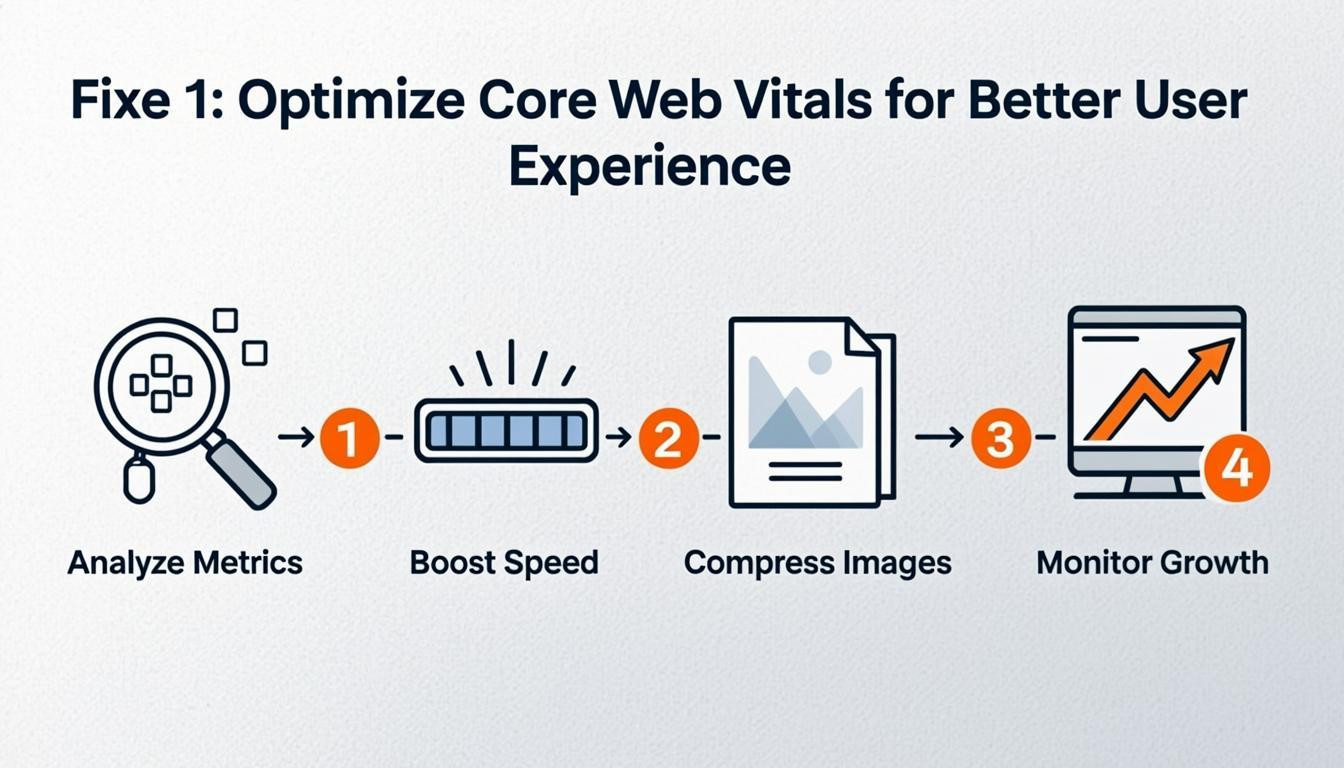
Fixe 1: Optimize Core Web Vitals for Better User Experience
If you feel like you’re losing traffic and don’t even know it, slow performance is often the silent culprit. Search engines now prioritize specific user experience metrics known as Core Web Vitals. These measure loading speed, interactivity, and visual stability. Since a significant portion of mobile sites currently fail to meet these standards, optimizing your performance gives you an immediate competitive advantage.
To capture this lost traffic, you need to focus on the three critical metrics that define a smooth browsing experience. Improving these elements helps you rank higher and keeps visitors from bouncing out of frustration.
- Largest Contentful Paint (LCP): Ensure your main content loads in under 2.5 seconds. Compress images and leverage browser caching to speed up initial rendering.
- Interaction to Next Paint (INP): Aim for a response time under 200 milliseconds. Minimize JavaScript execution time to ensure the site feels responsive when users click or tap.
- Cumulative Layout Shift (CLS): Keep visual stability below 0.1. Always include size attributes on images and videos to prevent elements from jumping around while the page loads.
Fixe 2: Resolve Technical SEO Barriers Blocking Crawlers
You might be creating excellent content, yet you’re losing traffic and don’t even know it because search engine crawlers cannot access your pages. Search engines rely on crawling, indexing, and rendering to understand your website, making technical health a non-negotiable foundation for visibility. If a bot encounters a broken link, a misdirected redirect, or a disallow command in your robot.txt file, that page effectively ceases to exist for search results.
To reclaim this lost visibility, you must proactively remove obstacles preventing search engines from reading your content.
- Audit crawlability: Use tools to identify 404 errors and ensure your internal link structure allows bots to reach deep pages easily.
- Optimize the robots.txt file: Verify that you are not accidentally blocking critical sections of your site from indexing.
- Clean up metadata: Ensure consistent use of meta tags and headings to help crawlers interpret the context of every page correctly.
- Eliminate duplication: Use canonical tags to point search engines to the primary version of a page, preventing confusion over which content to rank.
Fixing these underlying technical issues creates a faster, more reliable site that ranks higher and provides a better user experience.
Fixe 3: Refresh Outdated Content to Maintain Relevance
If you are ignoring old posts, you’re losing traffic and don’t even know it. Outdated content acts as a silent SEO killer, reducing authority and causing rankings to drop over time. Search engines prioritize fresh, accurate information, meaning an "Ultimate Guide" from several years ago or a post full of obsolete statistics will likely underperform compared to newer, updated resources.
To fix this, implement a content triage strategy. Instead of creating entirely new pieces, refresh pages that are already within reach of the first page of search results. Update old data, expand on shallow points, and improve the overall depth of the article to match current search intent.
Actionable steps to refresh your content:
- Audit statistics and dates: Replace figures from three or more years ago with current data to ensure accuracy.
- Improve comprehensiveness: Expand sections that are too brief to fully answer the user's query.
- Optimize for commercial intent: Update calls-to-action to better align with user goals and improve conversion rates.
- Strengthen internal links: Connect the refreshed post to newer content to boost crawling and indexing efficiency.
This approach requires less effort than building new assets from scratch while delivering a significant impact on organic visibility.
Fixe 4: Clean Up URL Structures and Broken Links
Messy URL structures and broken links create dead ends for users and search engines, effectively causing you’re losing traffic and don’t even know it. When crawlers encounter too many 404 errors or confusing paths, they may stop indexing your content efficiently, while users leave in frustration. Clean, descriptive URLs and functional links are foundational for maintaining site authority and ensuring your pages are discovered.
To fix these issues, focus on creating a logical hierarchy that both humans and bots can understand. A clear URL structure improves crawlability and indexability, which are critical for ranking. Additionally, repairing broken internal links preserves "link juice" and guides visitors to relevant content.
Take these steps immediately:
- Conduct a link audit: Use tools to scan for 404 errors and fix or redirect them to relevant live pages.
- Simplify URLs: Replace long strings of numbers and characters with short, readable keywords (e.g., change `site.com/blog/12345` to `site.com/web-seo-tips`).
- Update internal links: Ensure your most important pages receive sufficient internal links with descriptive anchor text rather than generic phrases like "click here."
- Implement redirects: Set up 301 redirects for any pages you move or delete to maintain authority.
Fixe 5: Strengthen Internal Linking with Descriptive Anchors
Generic anchor text like "click here" or "read more" fails to provide context to search engines or users. This lack of clarity hinders how crawlers understand the relationship between your pages, meaning you’re losing traffic and don’t even know it. Effective internal linking distributes page authority throughout your site, signaling to search engines which content holds the most value.
To fix this, audit your existing links and replace vague phrases with descriptive terms that accurately reflect the target page's content. You should prioritize linking to key service pages, product pages, or cornerstone content to concentrate authority where it matters most for your business.
- Identify high-value targets: Select pages that require a ranking boost and ensure they receive a higher volume of internal links.
- Use descriptive anchors: Change generic text to specific phrases, such as "learn about technical SEO audits" instead of "click here."
- Fix broken links: Regularly check for and resolve 404 errors to maintain a clean, crawlable site structure.
Conclusion
Ignoring technical health and user experience metrics often leads to a silent decline in visitors. You are likely you’re losing traffic and don’t even know it if your site fails to meet modern performance standards, such as loading speeds under 2.5 seconds or maintaining visual stability. With a significant portion of sites currently failing these thresholds, optimizing your Core Web Vitals provides a distinct competitive advantage. A comprehensive audit focusing on technical SEO, content quality, and accessibility is the only way to identify and fix these hidden leaks.
To reverse this trend, you must address the foundational elements of your site immediately.
- Ensure clean internal linking structures and consistent metadata
- Fix indexability issues and reduce content duplication
- Improve mobile responsiveness and interaction delays
- Verify WCAG/ADA compliance and security protocols
Take action now by running a full audit to diagnose specific weaknesses. Prioritizing these technical upgrades will transform your site from merely functional to exceptional, securing the organic visibility and conversion rates your business needs.

Comments
0