
Introduction
Understanding the architecture of the web requires grasping how different pages connect to one another. To fully optimize a website for search engines, one must ask: what is external linking? This concept refers to the practice of including hyperlinks on your website that point to domains other than your own. While many website owners focus exclusively on acquiring links from other sites, the strategy of linking outwards is equally vital for establishing a robust online presence.
Why this matters External linking serves as a fundamental signal of credibility and utility to search engine algorithms. By connecting your content to high-quality, authoritative sources, you help search engine crawlers understand the context and relevance of your own page. Furthermore, this practice significantly enhances user experience by providing readers with additional resources to validate their understanding or dive deeper into a topic.
Key benefits of a solid external linking strategy include:
- Building Authority: Associating your site with trusted industry leaders transfers a degree of trust and authority to your own domain.
- Improving Relevance: Outbound links provide semantic context, helping algorithms categorize your content accurately within search results.
- Boosting Value: Readers appreciate comprehensive guides that reference expert definitions, studies, or data points, which increases the perceived value of your content.
Master Your Linking Strategy
Use Semrush to analyze competitor external links and find authoritative sources that boost your own site's credibility and rankings.
Secret 1: Link to High-Authority Sources to Boost Trust
Key detail Search engines evaluate the quality and relevance of a webpage by analyzing its outbound connections. When you reference high-authority domains, such as established news outlets, educational institutions, or government bodies, you signal to algorithms that your content is well-researched and credible. This practice creates a context of trust, which is essential for answering what is external linking effectively; it defines the concept as a bridge to valuable resources rather than just a pathway away from your site.
How to implement To execute this strategy correctly, follow these specific steps:
- Identify industry leaders with high domain authority and strong editorial standards.
- Link naturally within the body text where supporting evidence or expanded definitions are needed.
- Ensure the anchor text accurately describes the destination content to enhance user experience.
- Set external links to open in a new tab so visitors remain on your page while accessing references.
For example, if writing an article about health statistics, linking directly to a study on a recognized medical organization's website adds significant weight to your arguments compared to linking to an obscure blog.
Secret 2: Use Descriptive Anchor Text for Context
When determining what is external linking, the text you click to jump to another page plays a pivotal role. This clickable text, known as anchor text, provides search engines and users with immediate context regarding the destination content. Generic phrases like "click here" or "read more" represent missed opportunities because they fail to describe the target page's topic. Descriptive anchor text, however, connects the two pages semantically, reinforcing the relevance of the linked resource and helping search engines understand the subject matter relationship.
To implement this strategy effectively, focus on clarity and natural integration. Avoid over-optimizing with exact-match keywords, as this can appear spammy. Instead, integrate links seamlessly into your sentence structure.
- Be specific: Use phrases that accurately describe the linked page's content, such as "comprehensive SEO guide" or "latest industry statistics."
- Keep it concise: Anchor text should be short enough to be readable but long enough to be descriptive, typically ranging from a few words to a short sentence.
- Maintain flow: Ensure the linked text fits naturally within the paragraph's grammar and context.
By prioritizing descriptive anchors, you enhance user navigation and provide clear signals to search engine algorithms.
Secret 3: Open External Links in a New Tab
When defining what is external linking, user experience plays a pivotal role. Sending visitors away from your page to an external resource replaces your content in their browser tab. This increases the likelihood they will not return, potentially raising your bounce rate. Opening these links in a new tab keeps your original content accessible, allowing users to reference the external source without losing their place on your site. This small technical adjustment encourages longer session durations and deeper engagement.
To implement this, modify the link behavior within your HTML or content management system. You must add the `target="_blank"` attribute to your external link tags.
Follow these steps for proper implementation:
- Manual HTML: When writing a link, include `target="_blank"` and `rel="noopener noreferrer"` for security. For example: `Anchor Text`.
- WordPress: Many page builders offer a checkbox labeled "Open in new tab" within the link settings modal.
- Audit: Periodically check your site to ensure external links trigger a new tab rather than navigating the current window away.
Secret 4: Balance Internal and External Linking Ratios
Key detail A healthy link profile requires equilibrium between pointing to your own pages and citing authoritative third-party sites. When asking what is external linking, it helps to view it as a signal of credibility to search engines, whereas internal links distribute authority across your domain. Overusing internal links can appear manipulative, while failing to link externally suggests a lack of depth or connection to the broader web context.
How to implement Audit your existing content to determine your current ratio. For a comprehensive guide page, aim to include 3-5 external links to high-authority sources like industry studies or government data. Ensure these links open in a new tab so users remain on your site. Simultaneously, interlink this new guide to 3-4 relevant blog posts or service pages on your own site using descriptive anchor text. To execute this effectively:
- Identify high-value pages on your site that need a visibility boost.
- Find relevant, non-competing external resources that support your specific claims.
- Update older posts by adding new internal links pointing back to this content.
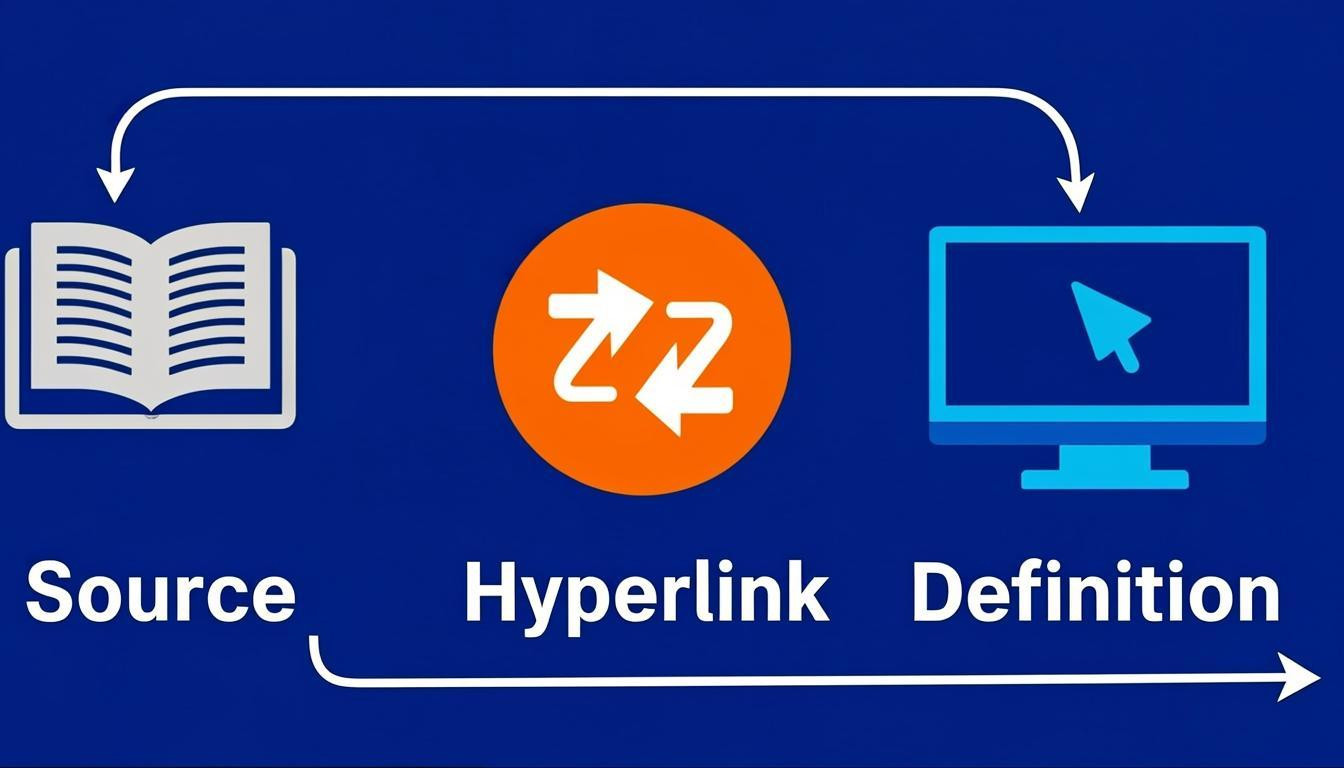
Secret 5: Leverage External Links for Definition and Jargon
Key detail
Using external links to define complex terms or industry jargon enhances user experience and content clarity. When a reader encounters a technical term, linking to an authoritative dictionary or a comprehensive guide provides immediate context without cluttering your own content. This practice keeps your copy concise while establishing your page as a helpful hub of information. It signals to search engines that your intent is to assist users, rather than trapping them on your site.
How to implement
To apply this strategy, scan your draft for vocabulary that might confuse a layperson or specialized terms requiring precise explanation. Instead of writing long definitions within your text, link the specific keyword to a high-quality, trustworthy source.
- Identify jargon: Look for acronyms, buzzwords, or technical concepts specific to your niche.
- Select authoritative sources: Choose established industry leaders, educational institutions, or official documentation pages.
- Use descriptive anchor text: Ensure the linked phrase clearly describes what the user will find, such as "search engine optimization" or "schema markup."
For example, if writing about algorithm updates, link that phrase directly to the official announcement or a detailed analysis by a recognized industry publication.
Secret 6: Regularly Audit for Broken External Links
Regularly auditing for broken external links is essential for maintaining a positive user experience and preserving the technical integrity of your website. When defining what is external linking, it is important to recognize that these links act as pathways to resources on other domains. If these pathways lead to 404 error pages, they frustrate users and disrupt their journey, often causing them to leave your site immediately. From a technical perspective, an excessive number of broken links can waste your crawl budget, preventing search engine bots from efficiently indexing your most important content. To prevent these issues, scheduling monthly audits ensures your site remains functional and trustworthy.
To implement this maintenance strategy effectively, follow these practical steps:
- Utilize Automation Tools: Use website crawling software to scan your entire domain and automatically identify external links that result in server errors or redirect loops.
- Prioritize High-Traffic Pages: Focus your manual review efforts on pages with the highest visitor counts to fix issues impacting the largest audience first.
- Update or Remove Links: Replace dead links with current, relevant URLs, or remove the link entirely if a suitable replacement does not exist.
For example, if a blog post links to a statistic source that has been deleted, finding an updated study from a reputable publisher restores the value of that reference.
Secret 7: Build Relationships Through Strategic Outbound Linking
To understand what is external linking in a broader context, view it as a networking tool rather than just a technical signal. When you link to high-quality, relevant sources, you validate your own content while signaling to other site owners that you value their work. This simple act often opens doors for collaboration, as creators appreciate the traffic and notice the reference.
To implement this strategy effectively, follow these steps:
- Identify Authority Sources: Link only to reputable, high-domain-authority websites that offer unique data or insights supporting your claims.
- Contextual Relevance: Ensure the link adds value to the reader's experience by expanding on a specific point within your content.
- Outreach Notification: Send a polite email to the site owner mentioning you cited their resource. For example, "I loved your recent guide on SEO trends and referenced it in my latest post."
This approach fosters goodwill and can lead to reciprocal links or social media shares, amplifying your reach organically.
Conclusion
Understanding what is external linking is fundamental to building a credible and authoritative website. It involves creating hyperlinks that direct users from your domain to a different site. While it may seem counterintuitive to send traffic away, this practice signals to search engines that you are connected to the broader ecosystem of quality information.
Key takeaways include:
- Establishing Authority: Linking to reputable sources, such as industry journals or government sites, reinforces the accuracy of your content.
- Enhancing User Experience: Providing references allows readers to verify facts and explore topics in greater depth, which builds trust.
- Building Relationships: External outreach can foster connections with other site owners, potentially leading to future backlink opportunities.
- Contextual Relevance: Links should be relevant to the anchor text and surrounding content to provide genuine value to the reader.
Incorporating external links strategically supports a balanced SEO strategy. It demonstrates confidence in your content and provides necessary resources, ultimately contributing to a more robust and trustworthy web presence.
Comments
0