

Introduction
Website speed directly impacts user experience, search rankings, and conversion rates. A slow-loading page frustrates visitors and increases bounce rates, but improving performance does not always require technical expertise or writing code. There are numerous accessible strategies and tools available that allow anyone to enhance site speed efficiently. If you want to learn how to speed up your website without coding, focusing on optimization plugins and visual tools is the most effective approach.
Modern platforms offer user-friendly solutions that handle complex technical tasks in the background. For instance, image compression tools automatically convert visuals to modern formats like WebP or AVIF to reduce file sizes without manual intervention. Additionally, comprehensive website optimization tools often combine various functionalities, such as performance monitoring and A/B testing, to identify bottlenecks. By leveraging these accessible resources, you can significantly boost your site's velocity and reliability.
Way 1: Compress and Convert Images to Modern Formats
Images frequently constitute the largest portion of a webpage's total size, making them a primary culprit for slow load times. Large, uncompressed files can delay rendering significantly, particularly for mobile users. To effectively address this without touching code, focus on file size reduction and adopting modern file types that offer superior compression algorithms.
Converting existing visuals to formats like WebP or AVIF provides excellent quality at significantly smaller file sizes compared to traditional standards. You should also ensure you are using the appropriate format for specific image types to avoid unnecessary data bloat.
- Use JPEG for standard photographs and complex images.
- Use PNG strictly for graphics requiring transparency.
- Switch to WebP or AVIF for better compression ratios on supported browsers.
- Run images through compression tools to reduce file size without visible quality loss.
Implementing these changes creates a lighter, faster-loading environment that retains visual appeal while improving performance metrics. This strategy is essential for retaining visitors and reducing bounce rates.
Way 2: Implement a Caching Plugin
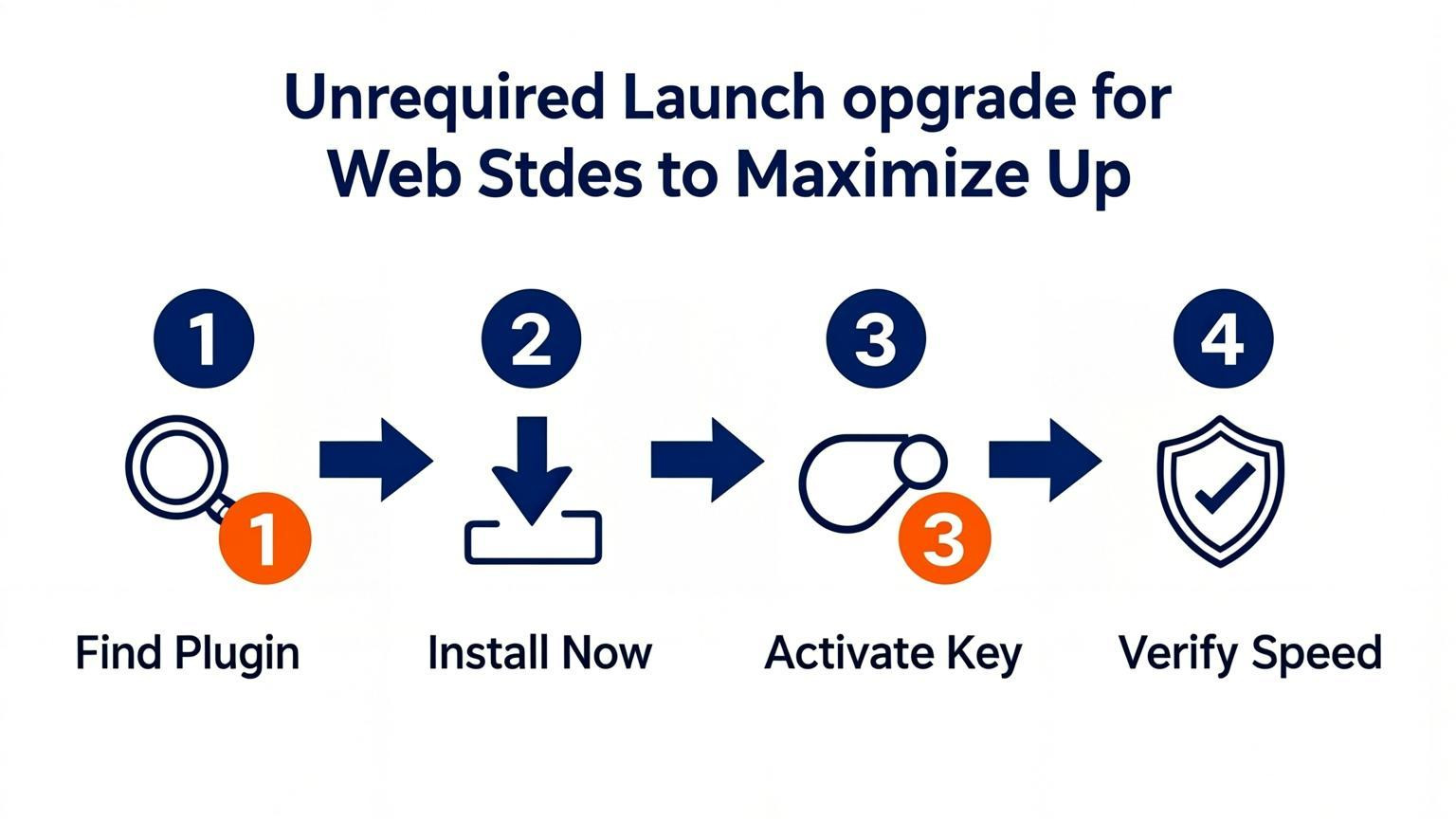
Caching creates static versions of your dynamic content, allowing the server to deliver pages to visitors much faster without processing scripts or database queries for every request. This is a highly effective method for how to speed up your website without coding, as it significantly reduces server load and improves response times. For WordPress users, installing a dedicated performance plugin automates complex optimizations like file minification and cache preloading without requiring technical expertise.
To get the most out of a caching solution, focus on these specific features:
- Page Caching: Stores fully generated HTML pages to serve visitors instantly.
- Object Caching: Keeps database query results in memory, drastically cutting down processing time.
- Cache Preloading: Automatically refreshes the cache before it expires so users never wait for a new page to generate.
- GZIP Compression: Reduces the size of your files, making them quicker to transfer.
Many plugins offer a "set it and forget it" approach, enabling you to boost Core Web Vitals and overall site speed through a simple dashboard interface rather than manual configuration.
Way 3: Enable Lazy Loading for Media and Embeds
Lazy loading defers the loading of off-screen content, such as images, videos, and iframes, until the user scrolls to them. This technique significantly reduces initial page load times by prioritizing visible content. While many modern platforms handle images automatically, you should extend this practice to third-party scripts and embedded content, which often cause major delays.
To implement this without coding, rely on built-in platform settings or lightweight plugins designed for resource management. This approach prevents heavy elements, like YouTube embeds or advertisement scripts, from blocking the rendering of your main content.
- Audit your embeds: Identify iframes and social media widgets that load above the fold.
- Use optimization plugins: Install a performance plugin that offers lazy loading for iframes and ads, not just images.
- Check platform settings: Enable native lazy loading options within your website builder or content management system dashboard.
- Test implementation: Verify that hidden elements load smoothly as you scroll down the page.
Applying lazy loading to media and embeds ensures a faster start to the user experience without sacrificing the richness of your content.
Way 4: Choose a High-Performance Hosting Provider
Your hosting infrastructure serves as the foundation of your site's speed. Even with optimized images and streamlined code, a sluggish server will deliver content slowly to visitors. Users often abandon sites that take longer than three seconds to load, making server response time a critical factor in reducing bounce rates.
To speed up your website without coding, you must evaluate your current plan against your traffic needs. Shared hosting often leads to bottlenecks because resources are split among many users. Upgrading to a high-performance provider ensures your site has the dedicated processing power and memory required to handle requests efficiently.
Follow these steps to optimize your hosting environment:
- Upgrade to Cloud or VPS: Move away from basic shared hosting to Virtual Private Servers (VPS) or cloud hosting solutions for dedicated resources.
- Enable Object Caching: utilize server-side technologies like Redis or Memcached to store database query results in memory, significantly reducing load times.
- Select a Data Center Near Your Audience: Choose a server location geographically close to your primary user base to minimize latency.
- Check Uptime Guarantees: Opt for providers that promise high reliability and fast throughput to ensure consistent performance.
Way 5: Use a Content Delivery Network (CDN)
Optimize Speed with Better Hosting
Slow servers kill performance. Switch to Hostinger for fast, reliable infrastructure that boosts speed instantly without coding.
A Content Delivery Network (CDN) significantly reduces latency by storing copies of your website on servers located around the world. When a visitor accesses your site, the CDN delivers content from the server physically closest to them. This reduces the physical distance data must travel, ensuring faster load times regardless of the user's geographic location.
Implementing a CDN is a straightforward way to enhance performance without touching code. It offloads traffic from your origin server and handles high traffic volumes efficiently, preventing crashes during traffic spikes.
- Choose a reputable provider: Look for services that offer global server coverage and easy integration with your current hosting platform.
- Enable automatic caching: Configure the CDN to cache static assets like images, CSS, and JavaScript files to speed up repeat visits.
- Monitor performance: Use the analytics dashboard provided by the CDN to identify geographic regions where performance can be improved further.
By distributing your content, you ensure a consistent and speedy experience for every user.
Way 6: Minimize HTTP Requests with Lightweight Themes
Heavy themes often load with excessive scripts, styles, and decorative elements that trigger too many HTTP requests. Every single file your browser must fetch adds latency, making the site feel sluggish. Switching to a lightweight theme drastically reduces the number of requests required to render a page, serving content faster without touching a single line of code.
To improve load times, choose themes focused on performance rather than complex animations or bloated feature sets. Many modern platforms offer optimized templates designed for speed out of the box. By minimizing custom code and avoiding unnecessary visual clutter, you reduce the overall payload the server must send to the visitor's browser.
Follow these practical steps to implement this strategy:
- Audit your current theme using speed analysis tools to identify heavy files
- Select a minimal or lightweight theme specifically built for performance
- Disable any default theme features you do not actively use
- Limit the use of heavy external fonts and complex animations
This approach ensures a leaner foundation for your site, directly contributing to a smoother user experience.
Way 7: Regularly Audit Performance with Testing Tools
Regularly auditing performance is essential for maintaining a fast website, as optimization is an ongoing process rather than a one-time task. Using diagnostic tools provides objective data on how to speed up your website without coding by identifying bottlenecks like large images or unoptimized scripts. To get a complete picture, you should analyze both lab data and field data. Lab data simulates a controlled environment to tell you what is possible, while field data reveals what real users are actually experiencing on various devices and connections.
Establishing clear performance budgets acts as a guardrail against regressions, ensuring new features do not slow down your site over time. You can set measurable thresholds for key metrics like Largest Contentful Paint (LCP) or total asset sizes.
- Use free diagnostics: Run tests using platforms like Google PageSpeed Insights, GTmetrix, or WebPage Test to get specific recommendations.
- Monitor Core Web Vitals: Focus on metrics that impact user experience, such as loading speed, interactivity, and visual stability.
- Implement performance budgets: Define strict limits for page load times and file sizes to prevent performance degradation as you add content.
Scheduling these checks monthly ensures you catch issues early before they negatively impact your search rankings or user retention.
Way 8: Limit and Optimize Third-Party Scripts
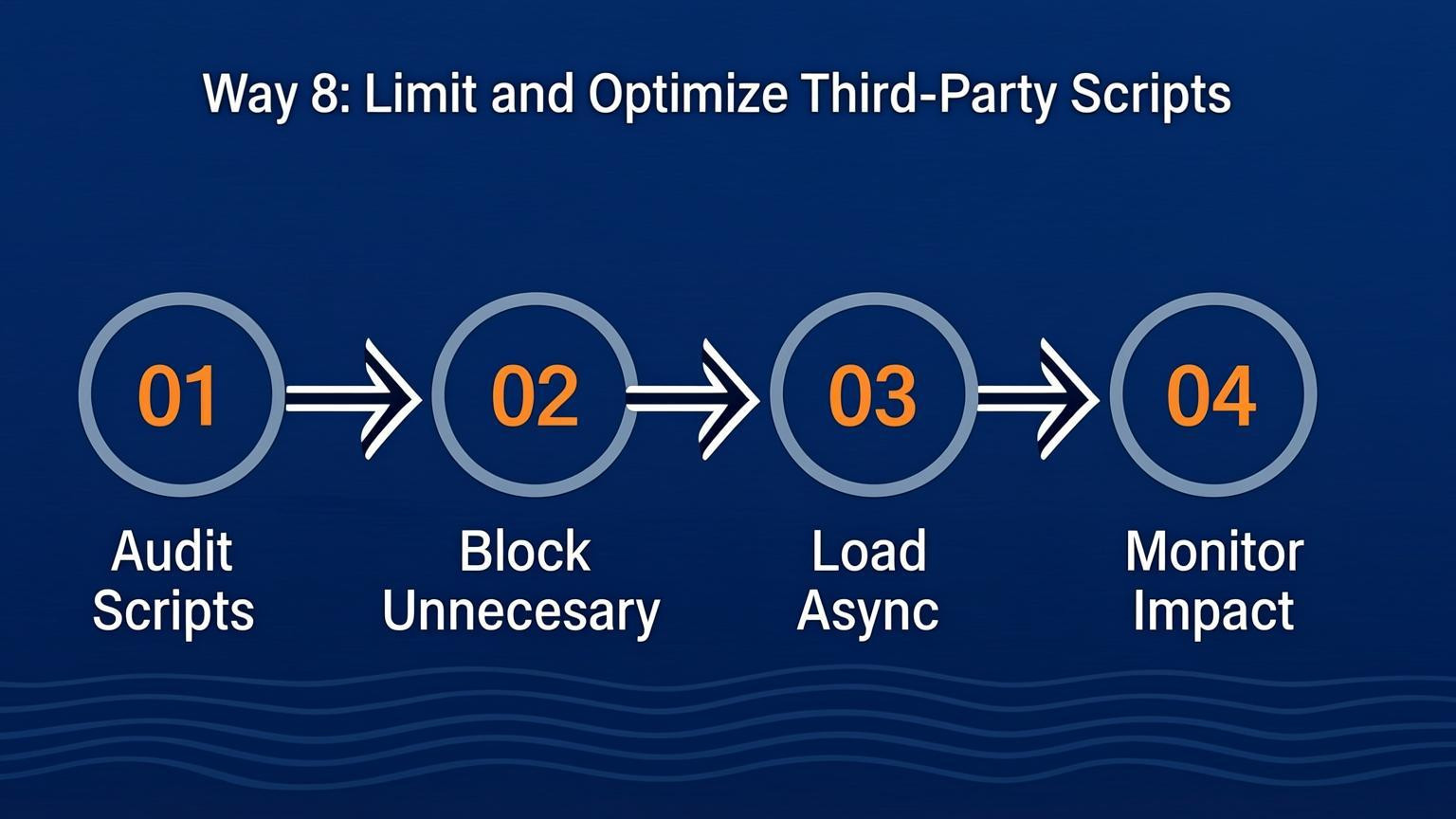
External scripts, such as analytics trackers, chat widgets, and advertising networks, often consume significant bandwidth and processing power. Each additional script introduces HTTP requests that delay the browser's rendering of the main content, directly impacting user experience. Learning how to speed up your website without coding requires auditing these resources and ensuring only essential tracking remains active.
One effective strategy is to defer non-critical JavaScript until user interaction occurs. Instead of loading all scripts immediately, delay heavy components like social media feeds or embedded videos until the visitor scrolls down to that specific section. This reduces the initial load time dramatically.
To implement these optimizations, focus on the following actions:
- Audit regularly: Use performance tools to identify which third-party scripts consume the most resources.
- Remove redundancies: Delete unused plugins or duplicate tracking codes that provide overlapping data.
- Delay execution: Configure ads and embeds to load only when they enter the viewport, preventing them from blocking page rendering.
Way 9: Leverage Browser Caching Headers
Leveraging browser caching headers allows you to store frequently accessed files locally on a visitor's device. When a user returns to your site, the browser loads these resources from the local storage rather than requesting them from the server again. This significantly reduces latency and speeds up load times for repeat visitors.
To implement this strategy, you need to configure your server's `.htaccess` file or use a caching plugin if you utilize a CMS like WordPress. Set expiry dates for static resources such as images, CSS, and JavaScript files. A common recommendation is to set expiration headers for one year for static assets that rarely change.
- Set Expiration Headers: Configure `Cache-Control` and `Expires` headers to specify how long browsers should keep files.
- Use a Plugin: For non-coders, install performance plugins that automatically handle caching rules.
- Version Control: Use file versioning (e.g., `style.v2.css`) to ensure users receive updates when files change.
- Cache Icons and Fonts: Apply long cache durations to media files and web fonts to minimize server requests.
This technique reduces server load and provides a smoother experience for your audience.
Way 10: Monitor Real User Data (RUM)
Understanding how real visitors interact with your site is essential for knowing how to speed up your website without coding. Synthetic testing tools only show potential performance under ideal conditions, whereas Real User Monitoring (RUM) captures actual data from live browsers. This approach reveals specific bottlenecks, such as geographic slowdowns or performance issues for mobile users on older network generations.
You should set up RUM using specialized platforms to track field data accurately. Combining this with Core Web Vitals reports provides a complete picture of user experience.
Key actions to implement:
- Integrate RUM Tools: Use services that capture actual visitor metrics to identify real-world lag.
- Track Core Web Vitals: Monitor field data for Largest Contentful Paint (LCP) and Interaction to Next Paint (INP).
- Set Performance Budgets: Define strict limits for asset sizes and load times to prevent future regressions.
- Analyze by Segment: Break down data by device type and location to target specific optimizations.
By continuously monitoring this data, you ensure consistent speed improvements for every user.
Conclusion
Optimizing your digital presence is essential for retaining visitors and improving search rankings. You have seen that learning how to speed up your website without coding involves leveraging the right tools and strategies rather than writing complex scripts. Implementing techniques like image compression with modern formats such as WebP, utilizing object caching with Redis, and employing resource prioritization can significantly reduce load times.
Automation plays a pivotal role in maintaining these performance gains. By using platforms that offer visual analytics, A/B testing, and speed monitoring, you can identify bottlenecks and resolve them efficiently. These tools often work in tandem to provide comprehensive insights, ensuring your site remains fast and responsive across all devices.
To achieve the best results, focus on these key takeaways:
- Audit regularly: Use free and paid speed testing tools to benchmark performance.
- Optimize assets: Compress images and enable caching preloading to serve content faster.
- Leverage analytics: Use heatmaps and user behavior data to make informed optimization decisions.
Start applying these no-code methods today to create a faster, more user-friendly experience for your audience.

Comments
0