

Introduction
Is your website struggling to keep up with traffic demands or delivering a sluggish user experience? It is highly likely that your hosting plan might be holding you back. Many website owners pour their energy into design and content while overlooking the critical foundation of their online presence. However, making a hosting decision based solely on the lowest price often leads to limited resources and substandard support, resulting in poor performance and frustrated customers.
As your platform evolves, the need for robust infrastructure becomes undeniable. Frequent downtime, a lack of reliable automated backups, and an inability to handle traffic spikes are all clear indicators of an inadequate hosting environment. Failing to consider scalability during the initial selection phase can stifle growth and lead to significant operational headaches down the road.
If you encounter issues such as slow load times or security vulnerabilities, it may be time to reevaluate your current setup. Upgrading to a provider that prioritizes speed, security features, and scalable resources is essential for long-term success.
Stop Slow Load Times Today
Upgrade to Hostinger for reliable speed, security, and scalable resources to fix performance issues.
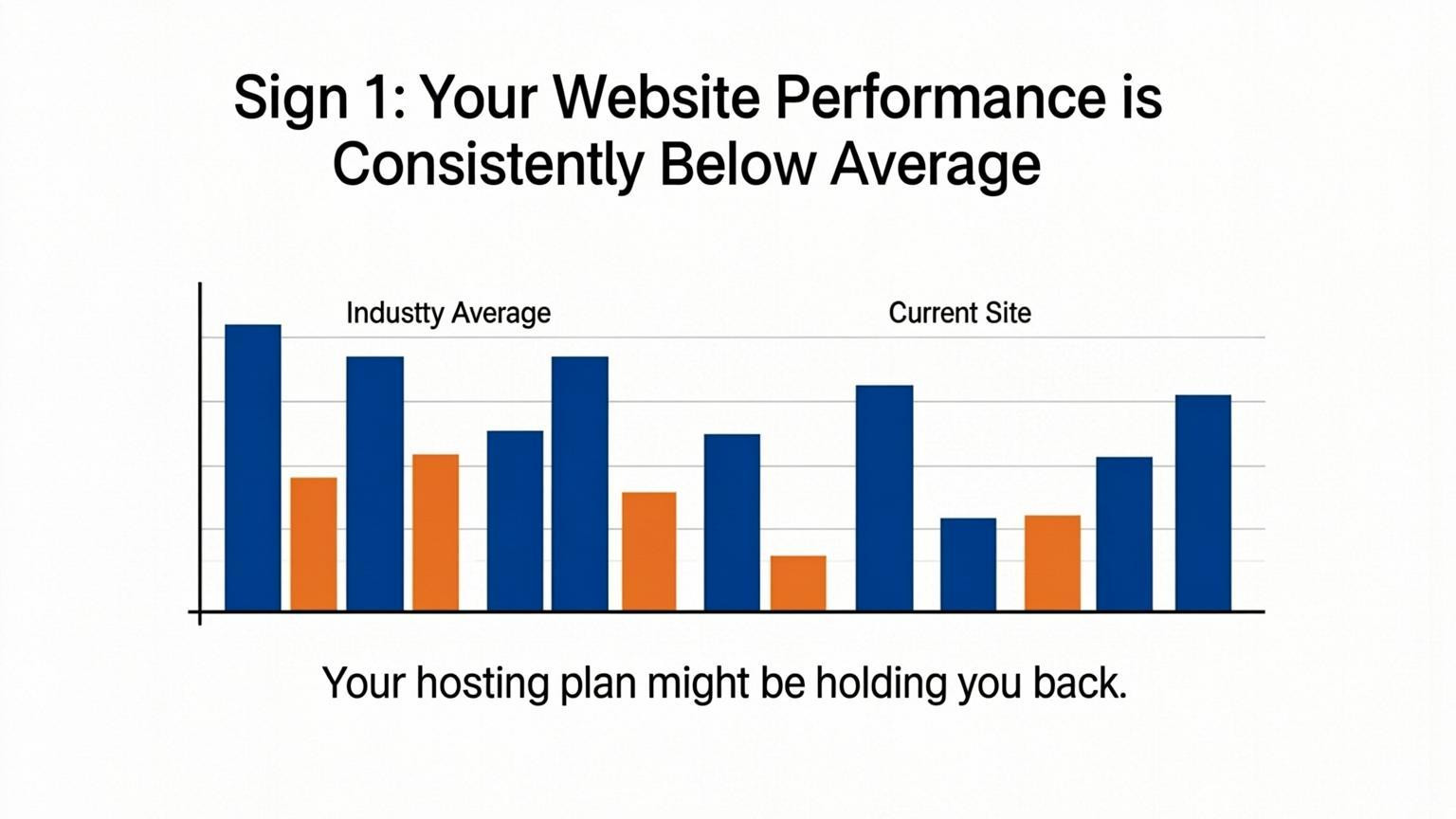
Sign 1: Your Website Performance Is Consistently Below Average
If your website loads slowly or lags during interactions, your hosting plan might be holding you back. Performance benchmarks show that while an average response time falls between 501ms and 700ms, anything exceeding 700ms is considered below average. This lag often frustrates visitors and increases bounce rates, signaling that your current server resources are insufficient. Shared hosting environments, while affordable, frequently suffer from inconsistent speeds because you are competing for resources with neighboring sites.
To resolve this, you must upgrade your infrastructure to ensure stability and speed.
- Upgrade to managed or VPS hosting: Move away from basic shared plans to dedicated resources that prevent other sites from slowing you down.
- Prioritize Time to First Byte (TTFB): Choose a provider known for fast TTFB scores, as this directly impacts how quickly your content begins loading.
- Leverage AI and edge computing: Opt for hosts that utilize AI-driven resource loading and edge processing to predict and meet user demand efficiently.
- Evaluate value over price: Avoid selecting a plan based solely on cost; cheap options often lack the performance capacity needed for growth.
Sign 2: Your Site Crashes During Traffic Spikes
If your website goes offline during a marketing campaign or a viral moment, your hosting plan might be holding you back. Many providers restrict the amount of CPU, RAM, and bandwidth available on entry-level plans. When a sudden influx of visitors hits your site, these limited resources are exhausted instantly, leading to slow loading times or complete downtime. Focusing solely on price often results in these infrastructure limitations, causing significant revenue loss and frustrating potential customers.
To prevent outages and ensure stability as your audience grows, you must prioritize scalability. Your infrastructure should handle increased traffic without manual intervention.
- Audit current limits: Review your control panel to understand your exact resource caps, such as entry processes or inode limits.
- Implement auto-scaling: Choose a cloud hosting solution or VPS that automatically allocates additional resources during traffic surges.
- Utilize a CDN: Offload static content delivery to a Content Delivery Network to reduce the direct load on your origin server during spikes.
Sign 3: Security Vulnerabilities Are Going Unaddressed
If your hosting environment lacks robust security measures, your hosting plan might be holding you back by leaving your site exposed to cyber threats. A secure host should provide advanced features like automatic security hardening, daily backups, and proactive malware scanning. When these essential protections are missing, the burden falls entirely on you to mitigate risks like cross-site scripting and clickjacking, increasing the likelihood of a breach.
To close these security gaps, you must take immediate action to fortify your website's defenses. Implement technical controls and leverage managed services to reduce vulnerability.
- Configure security headers: Set up HTTP Strict Transport Security (HSTS), Content Security Policy (CSP), and X-Frame-Options in your control panel or via a CDN to block common attacks.
- Install security plugins: If you use a content management system, deploy a reputable security plugin to monitor traffic and stop brute force attempts.
- Upgrade to managed hosting: Switch to a plan that offers server-level optimizations and automatic patching, ensuring your core infrastructure remains secure without constant manual intervention.
Sign 4: You Are Relying on Price Instead of Value
Focusing solely on the lowest monthly rate is a major reason your hosting plan might be holding you back. While sticking to a budget is wise, the cheapest options often impose strict resource limits and lack adequate support. This trade-off typically results in slower load times, frequent downtime, and security vulnerabilities that frustrate visitors and damage your brand's reputation.
You must evaluate the return on investment rather than just the sticker price. A slightly more expensive plan that includes essential features like automated daily backups, free SSL certificates, and 24/7 expert support often saves money in the long run by preventing revenue loss during outages.
To ensure you are getting true value for your money, review these critical factors:
- Performance Metrics: Check for uptime guarantees of at least 99.9% and low Time to First Byte (TTFB) scores.
- Included Features: Verify that security, backups, and a free domain are included to avoid hidden costs later.
- Scalability: Confirm the plan allows for easy resource upgrades as your traffic grows.
- Support Quality: Prioritize providers known for technical expertise over those offering bare-bones, unresponsive service.
Sign 5: Frequent Downtime and Lack of Reliable Backups
Reliability is non-negotiable for any online presence. If your site experiences frequent outages or crashes during traffic spikes, your hosting plan might be holding you back. Furthermore, data loss is catastrophic without a safety net. Many budget providers reserve automatic daily backups for their top-tier tiers, leaving entry-level plans vulnerable. If your current plan does not include reliable, automatic backups, you are risking your business continuity every time you publish content or update a plugin.
To secure your data and ensure maximum uptime, evaluate your current provider's redundancy and upgrade to a managed solution if necessary. Managed services often handle server-level optimizations and security hardening, which significantly reduces the risk of downtime.
- Verify backup frequency: Ensure your plan includes daily, automated backups stored off-site.
- Test restore capabilities: Regularly check that you can actually restore your site from a backup copy.
- Upgrade for reliability: Move to a higher tier or a managed host if downtime persists.
- Monitor uptime: Use tools to track availability and identify patterns before they affect visitors.
Conclusion
Migrating to a new environment requires careful planning, but the long-term rewards are undeniable. Ignoring performance bottlenecks and security vulnerabilities leads to lost revenue and damaged credibility. Your hosting plan might be holding you back if it restricts resources, lacks automated backups, or fails to provide adequate support as your traffic grows. Prioritizing value over the lowest price ensures you have the necessary scalability and speed to succeed.
Take immediate action to secure and optimize your digital presence:
- Implement strict security measures: Configure essential headers like HSTS and X-Frame-Options, and install reputable security plugins for CMS platforms.
- Verify data safety: Avoid providers that do not include reliable, fixed automated backups in their core packages.
- Leverage professional assistance: Utilize services that offer free migration to handle the technical heavy lifting and minimize downtime.
Do not let a subpar infrastructure limit your potential. Evaluate your current setup against these standards and upgrade to a solution that guarantees speed, safety, and support for the future.

Comments
0